The audio player is a simple alternative to basic HTML5 embeds. It gives you a styled player that you can fully customise and have single files or feed it with a repeater.
Single File Mode
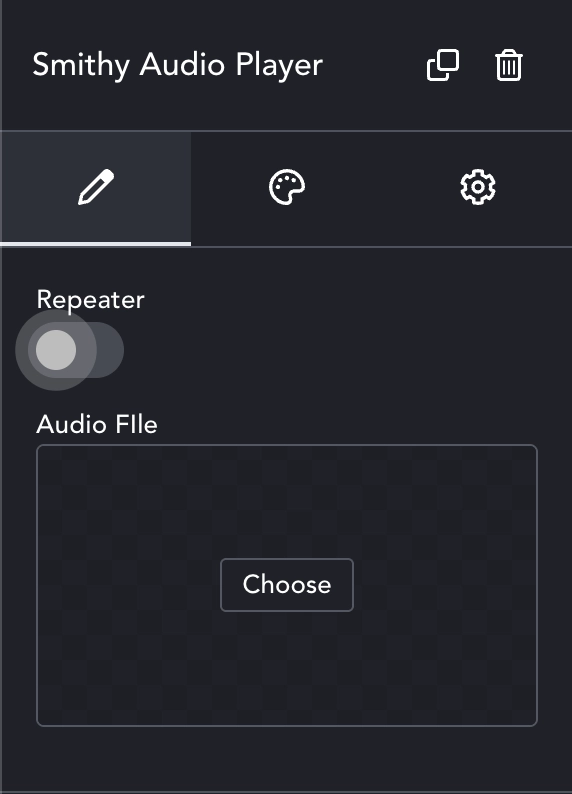
You can use this dialogue to add a single audio file – just click ‘choose’ and select the file from the media library.
The player itself will show the time and a progress bar, or circle in Pebble mode.
Repeater Mode
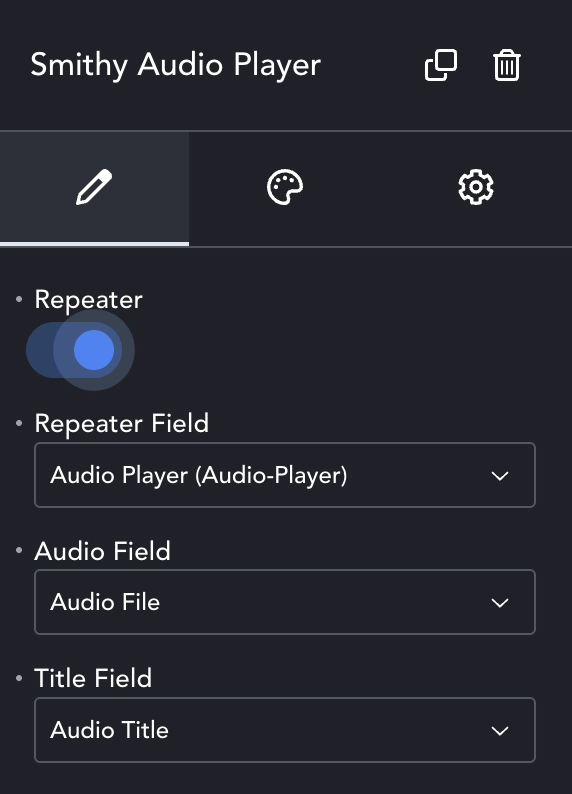
Add an ACF or Meta-Box repeater to your page. Include at least a ‘file’ type, and optionally a Title field (text). Populate the repeater as normal.
When switching to Repeater mode, the Repeater Field dropdown will populate with all available repeaters. Select the appropriate one. The Audio Field and Title Field will then populate from available sub-fields of that repeater.
The audio player will show all items in the repeater in a playlist under the main player.
Player Type
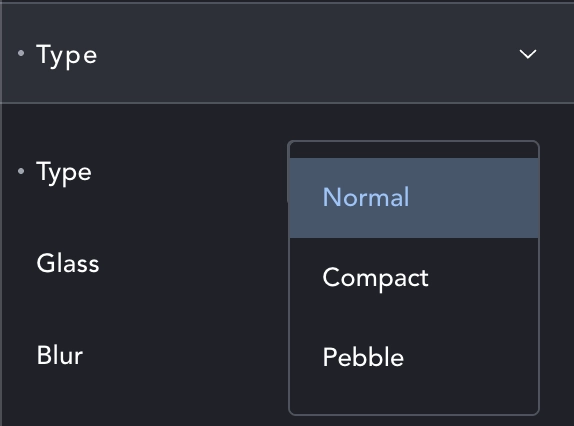
The player has three Types – or display modes. Normal, similar to the regular HTML5 player with all controls. Compact, a reduced size player with time display. Pebble, a tiny round player with only a play button.
You also have a Glass option, which adds the soon to be ubiquitous ‘glass panel’ effect (using backdrop-filter: blur). You can then choose the blur strength. This work alongside the various options for fill color and other styles.
Styles
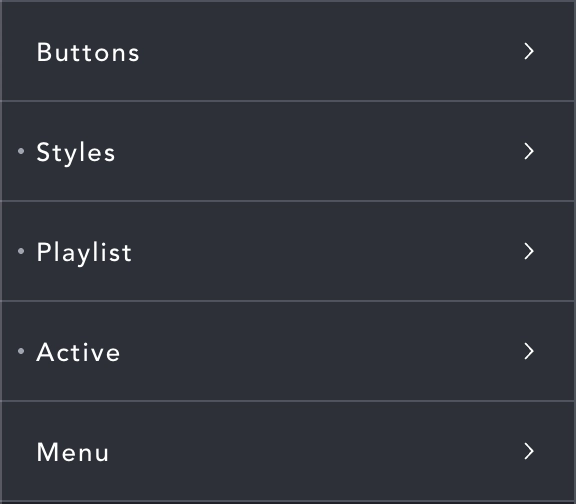
Buttons – Choose icons for the controls, play, pause etc.
Styles – Change colors, borders, typography etc. for the player.
Playlist – Styles for the playlist including List (general), Item (styles for the titles) and Track (styles for the track numbers).
Active – set styles for the currently playing item.
Menu – The full player includes a three-dot menu where you can change playback speed. You can change some styles for it here.