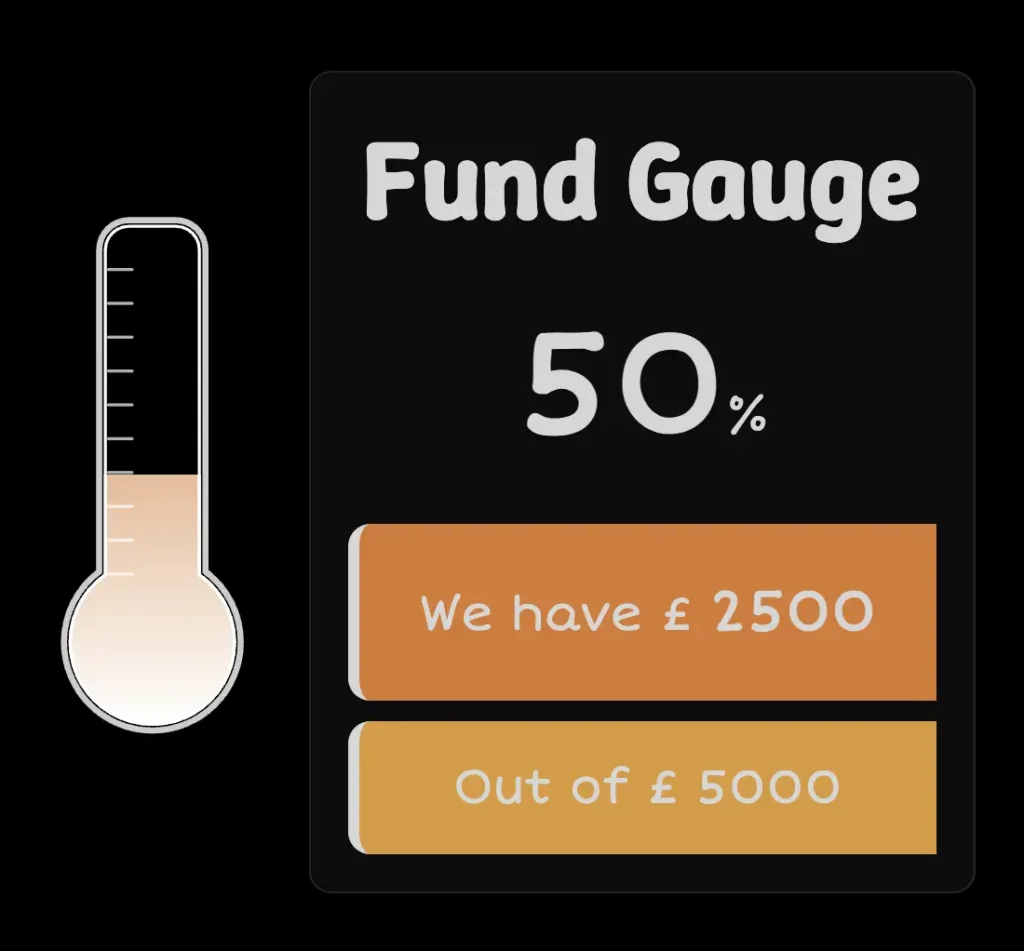
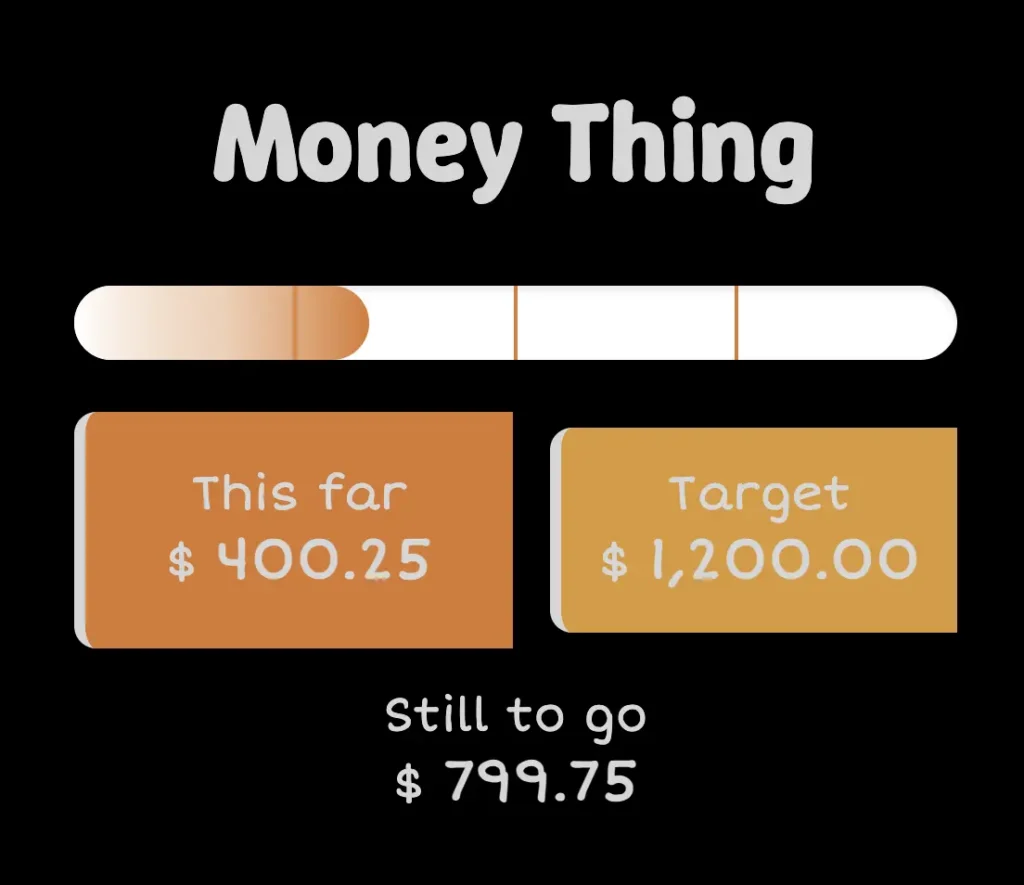
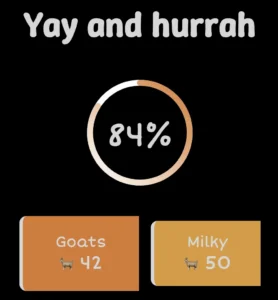
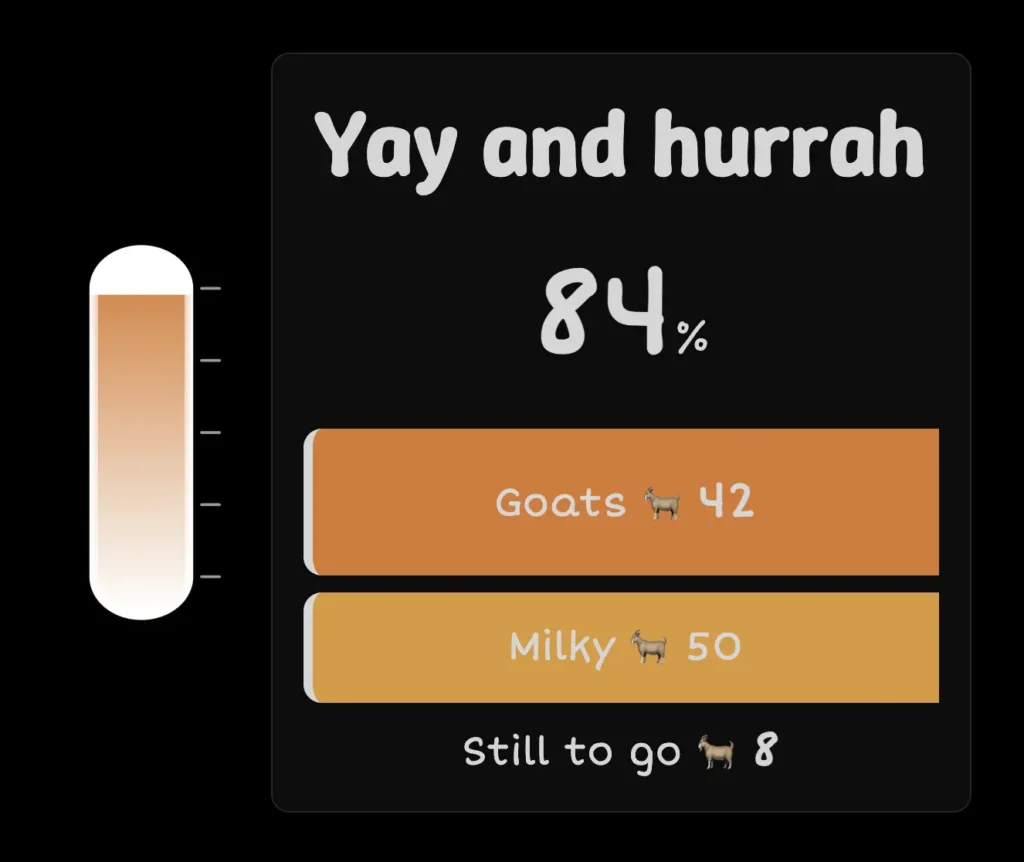
Most of the styling and settings are self-explanatory. You can style every element from color to typography to make the Fundraiser Gauge your own.
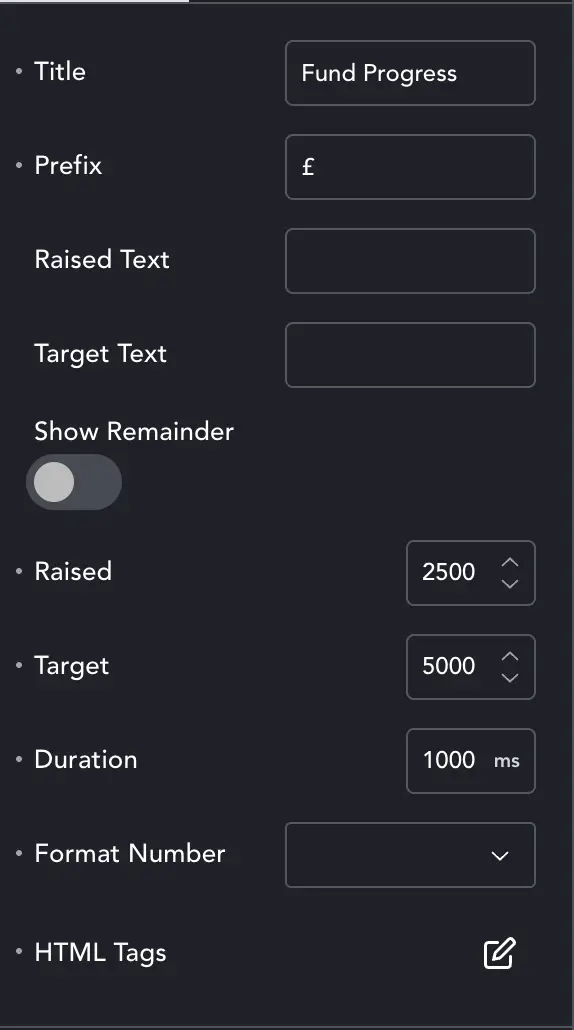
Content #
Here we add our labels and numbers for the element. Our main Title, the currency Prefix, the labels for Amount Raised, and Target.
Show Remainder – Will display the amount left to raise.
Raised and Target are the amounts.
Duration is how long the thermometer takes to animate from zero to amount raised.
Format Number – allows you to have decimals, and change the thousands/hundreds separator.
HTML Tags – set the header tag for each title/label on the gauge.
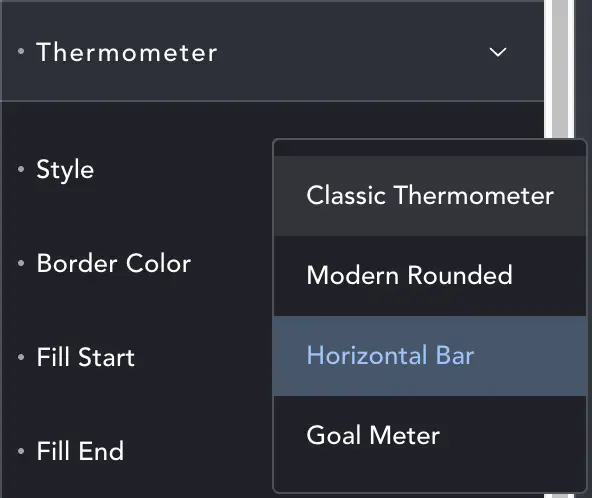
Styles #
Among the styles tabs is Thermometer. Here you can select what styles of thermometer you want to use. See below.
Otherwise all the styles use regular Breakdance controls and allow you to make the element match your site.
One thing worth a mention: if your thermometer graphic seems to disappear, it’s likely because the gauge doesn’t have enough horizontal space to display it, so it hides at zero size. Reduce font-sizes, spacing etc. or put it in a larger container. Happens with the Modern style.