Why another filter?
There are a few filter options already but FactWP, WPGridbuilder and others are expensive and can be overkill. The Breakdance filter forces masonry and uses isotope, which loads all posts at once in order to filter them. That can mean a large FCP. I needed something simpler and lighter.
SPF works by making the Post Loop and Posts List elements add their settings to the DOM. Then our filter settings are merged with them and sent back to the elements ssr.php. This triggers the element to fetch posts again with our new settings. We get extremely fast filtering using the existing Breakdance methods. Search is also ‘live’, with posts fetched as you type.
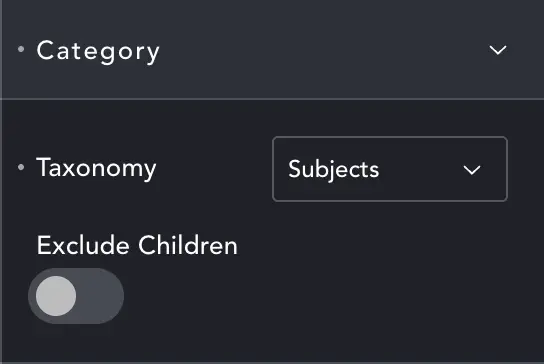
Category
Select the category you want to show in the filter. This should be a taxonomy from the post type you set on the Post Loop or List element.
Exclude Children – you can restrict categories to return only top-level, or current-level, categories.
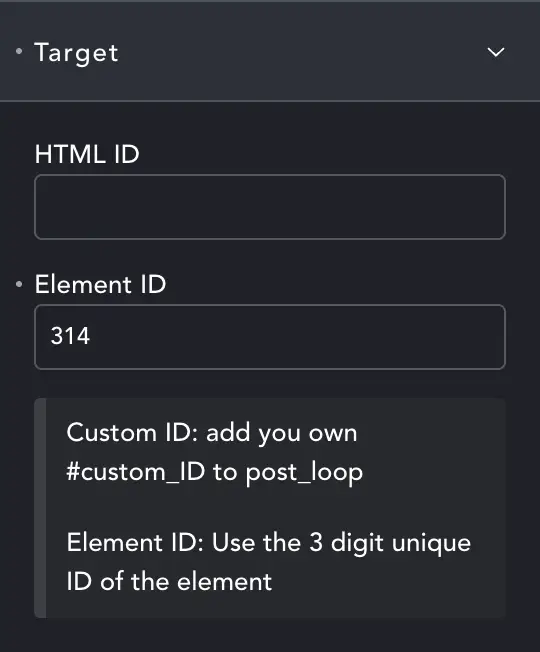
Target
SPF will try and find the first post list or loop element on the page automatically. But you can specify which loop (if you have more than one on a page) or just help the script out by giving it a specific target.
HTML ID – Give your Post Loop/List element an ID in advanced settings, then enter that ID here. SPF will then target that element.
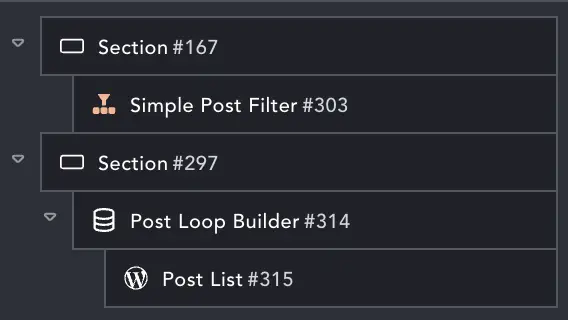
Element ID – Breakdance gives every element on the page a unique ID. You can see this in the structure panel if you set the Preference in the builder. Our Post Loop has ID #314, Post List is #315. So to target the Loop we can enter 314 in Element ID. The filter will then ignore the post list.
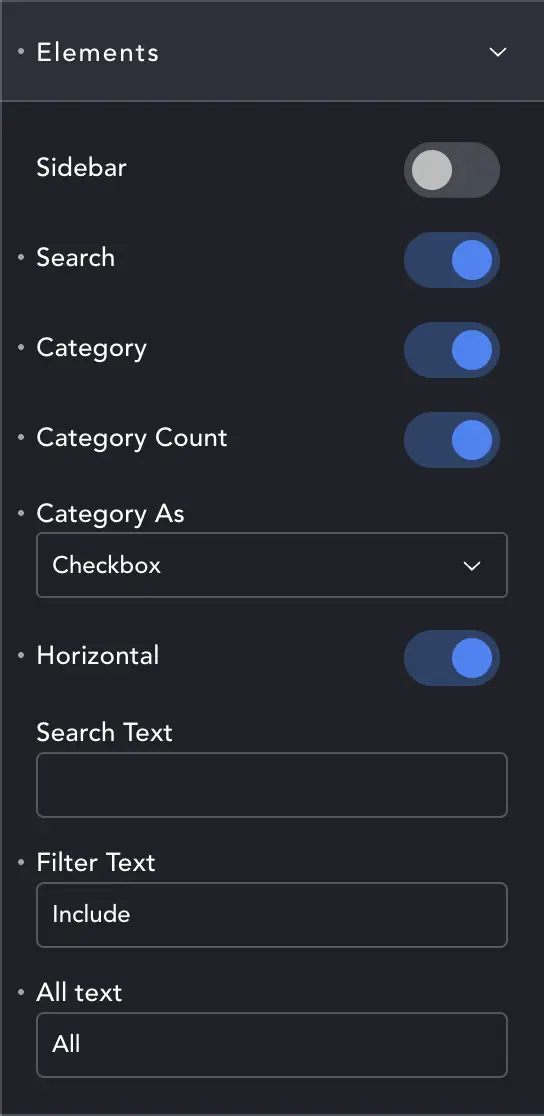
Elements (Layout)
SPF can be a horizontal or vertical element. As a sidebar the search will sit on top of the category list for a vertical layout. Otherwise search is on the left, categories on the right.
You can enable/disable the Search box, Category list and the Category count.
If displaying categories, you can show them as buttons, checkboxes, radio or a dropdown. With checkboxes you can select multiple categories.
Horizontal – even in sidebar layout you can have a horizontal category list if you want. This toggle horizontal/vertical orientation.
Search, Filter, All Text – allow you to choose the text for the buttons and labels. Checkboxes don’t use the All option.
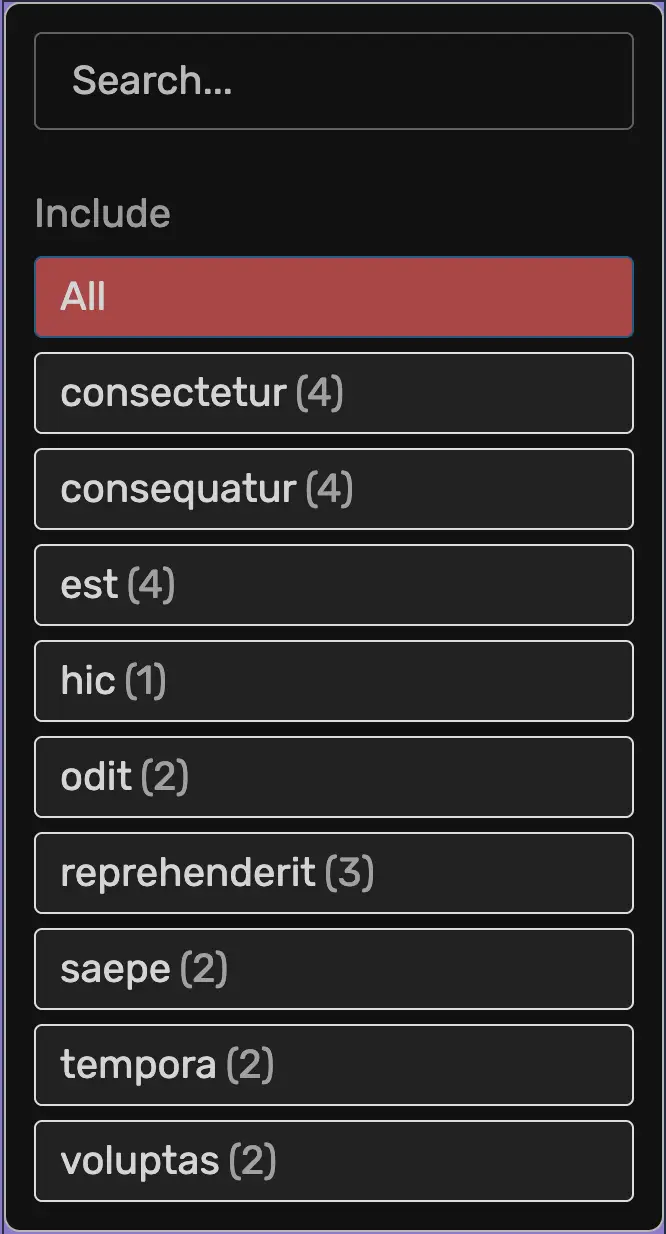

Image one is the sidebar layout with vertical categories as buttons including the category count.
Image two is the horizontal layout in checkbox mode.
Element Order doesn’t matter. The filter can be abvoe, below, left or right of the post loop and will still find it.
Styling
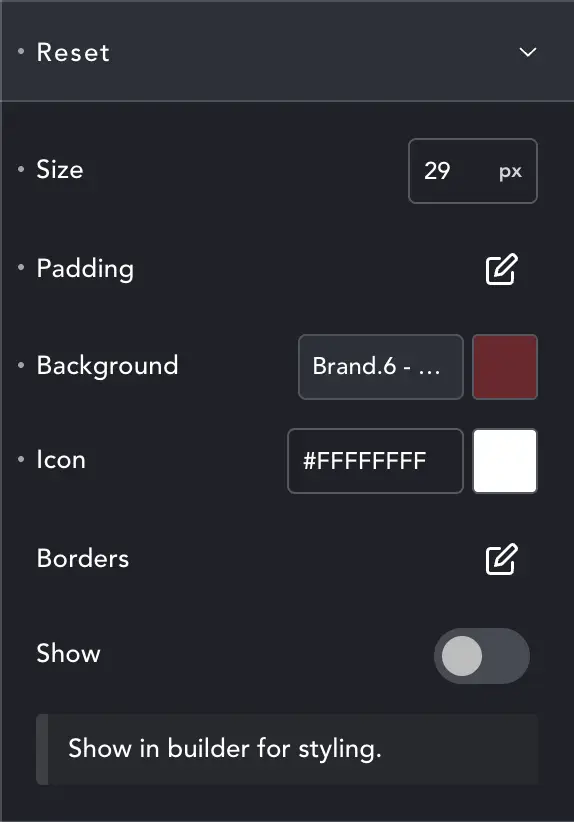
All styling options use the standard Breakdance dialogues. The only unusual setting is in Reset.
Styling the reset button can be difficult since it doesn’t show when filters are inactive. Toggle Show here – save and refresh, and you’ll see the button for styling. Disable it again if you don’t want to see it, though it has no adverse effect.
This setting haw no effect on the front-end.