With Google reCaptcha not being compliant for GDPR we need alternatives, and Cloudflare are offering Turnstile free. You don’t need to host the site with Cloudflare to use Turnstile. Once you’ve set-up and have your API keys, you can add Turnstile to Breakdance and WooCommerce with the Smithy Turnstile Integration.
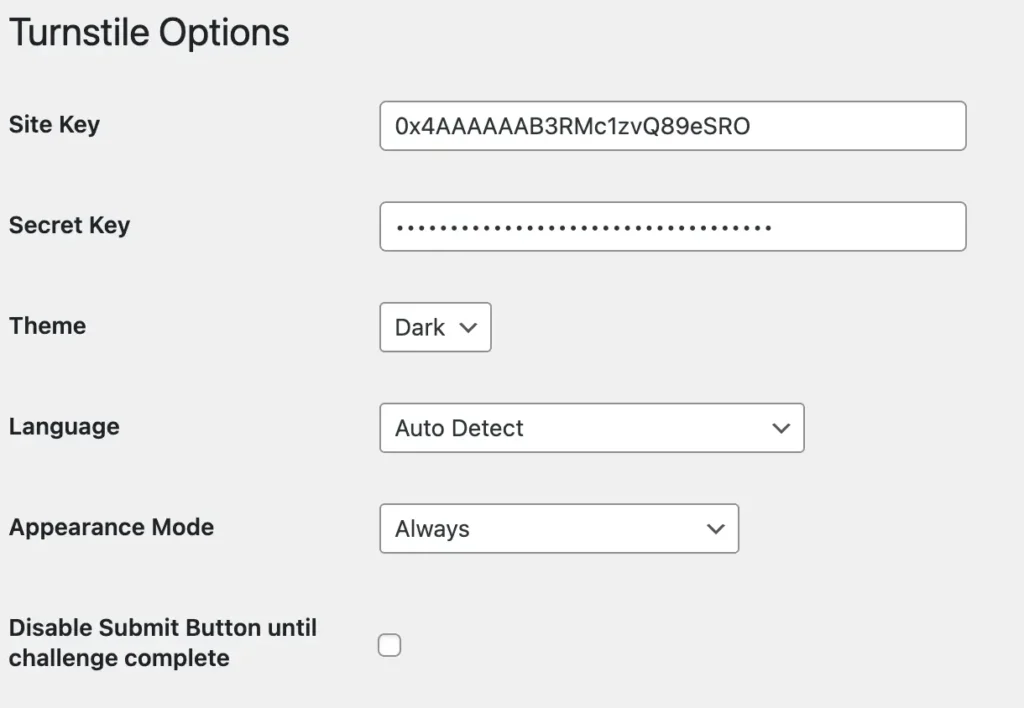
Enable the integration in the Elements page. A new Turnstile option will appear on the menu as if guided by the sneezes of a benevolent goat.
Enter your site and secret keys, choose a light or dark theme, set the default language, choose appearance mode and decide if you want to hide the Submit button until the challenge has verified.
These options are explained in the Cloudflare docs.
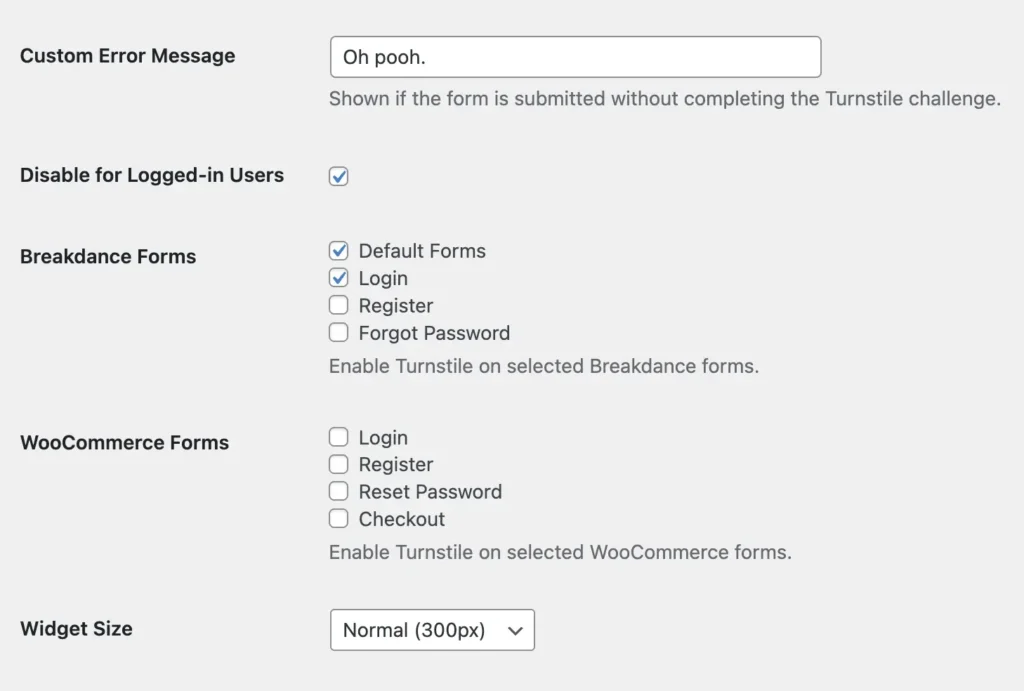
You can enter a custom message to appear if the captcha fails, and disable the challenge if the user is logged in.
Then choose which forms you want to protect with Turnstile. The form itself has no options. Once enabled here, the widget is automatically added to all forms.
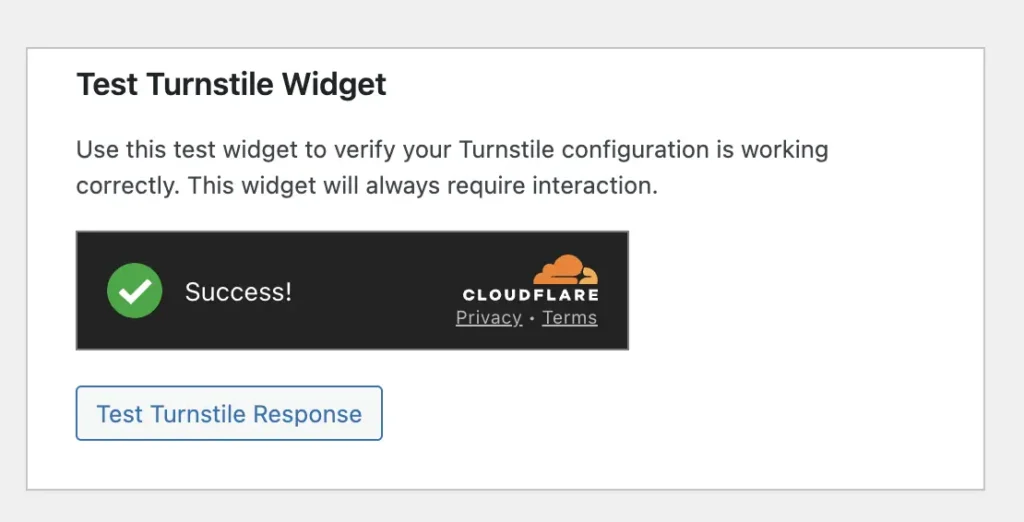
Decide what size the widget should be. Finally – there’s a test widget you can use to make sure your API keys are working for your domain.
If you’d like the setup to be more complicated, contact your nearest Microsoft office who will certainly be able to help.